Scheduled page checks. Journey comparisons from future recordings.
Start with your page.
One URL. A report you can act on.
Form submission is off by default. Test-interaction tracking requests are held by default; page-load requests can still be sent.
Frequently asked questions.
A little clarity before you start.
What does Orbit check?+
Orbit checks browser-visible analytics and advertising tracking: readable setup, event calls, collection requests and available outcomes. The report shows the pages and actions reached, plus what remains untested. It cannot see every possible event or server-to-server delivery.
Page test or extension recording?+
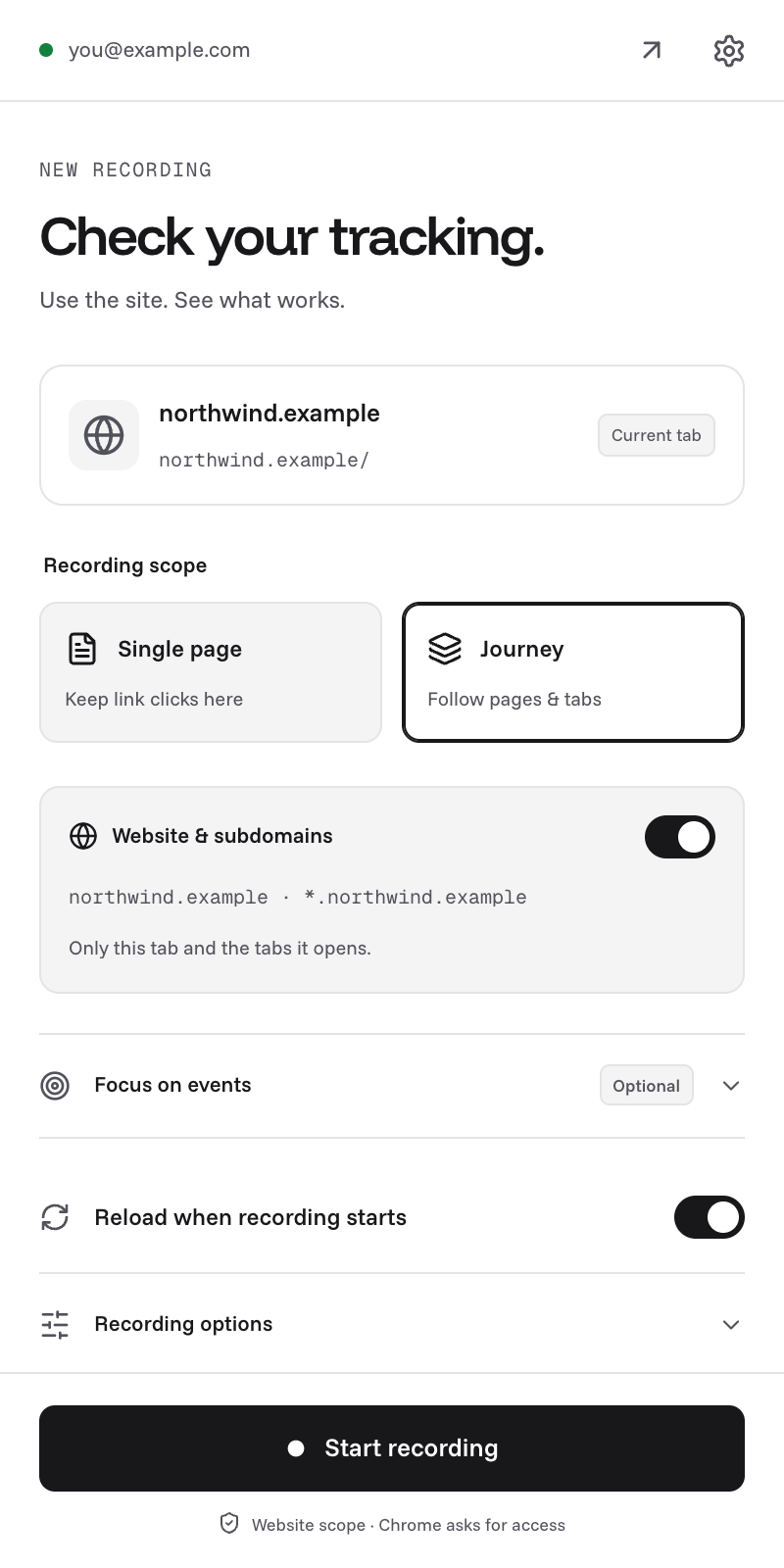
Choose Page test for an automatic check of one public URL. Choose Extension recording for forms, pages behind a login or a journey across pages and subdomains. You control the actions in a recording.
Do I need to install an extension?+
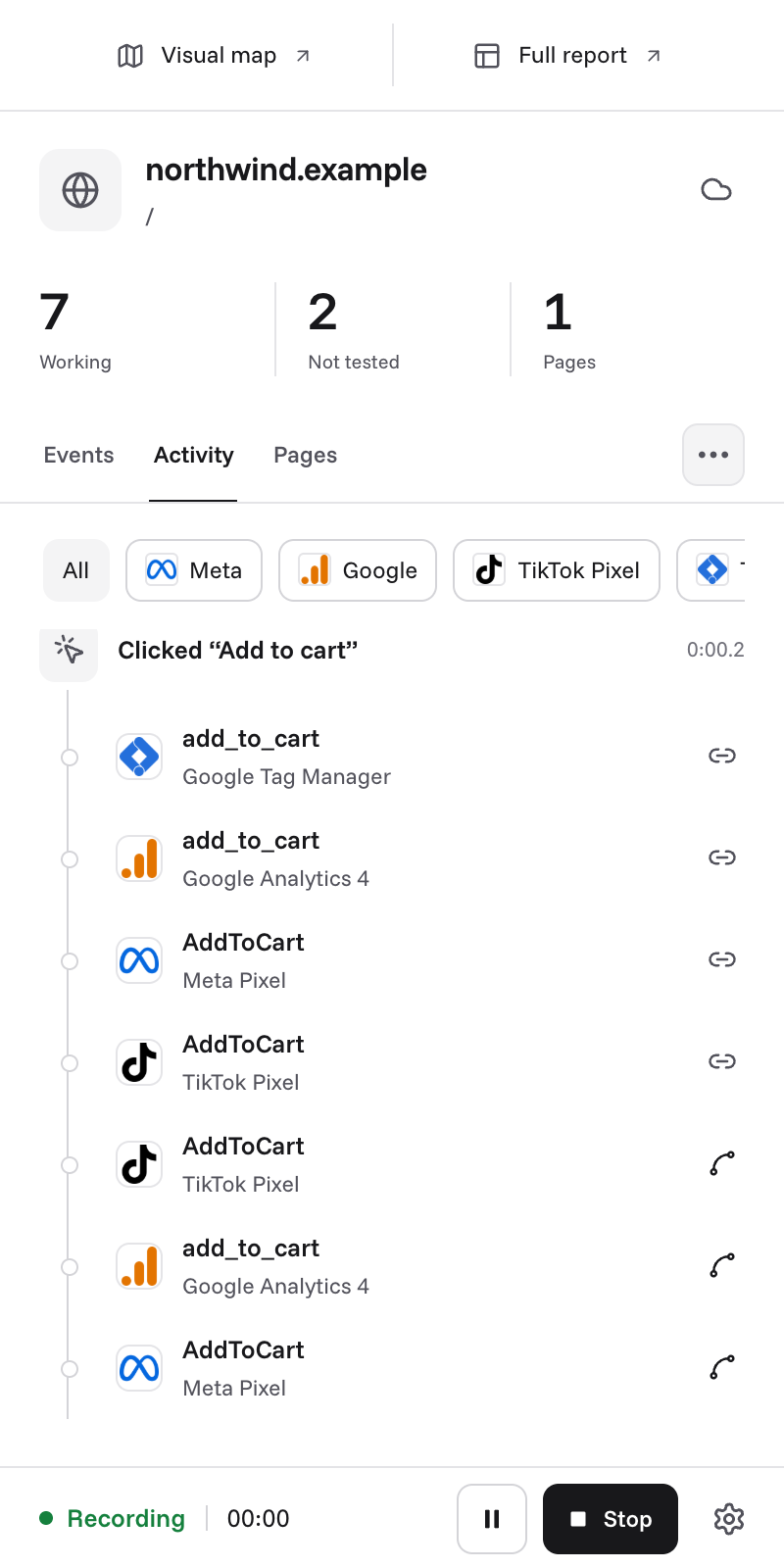
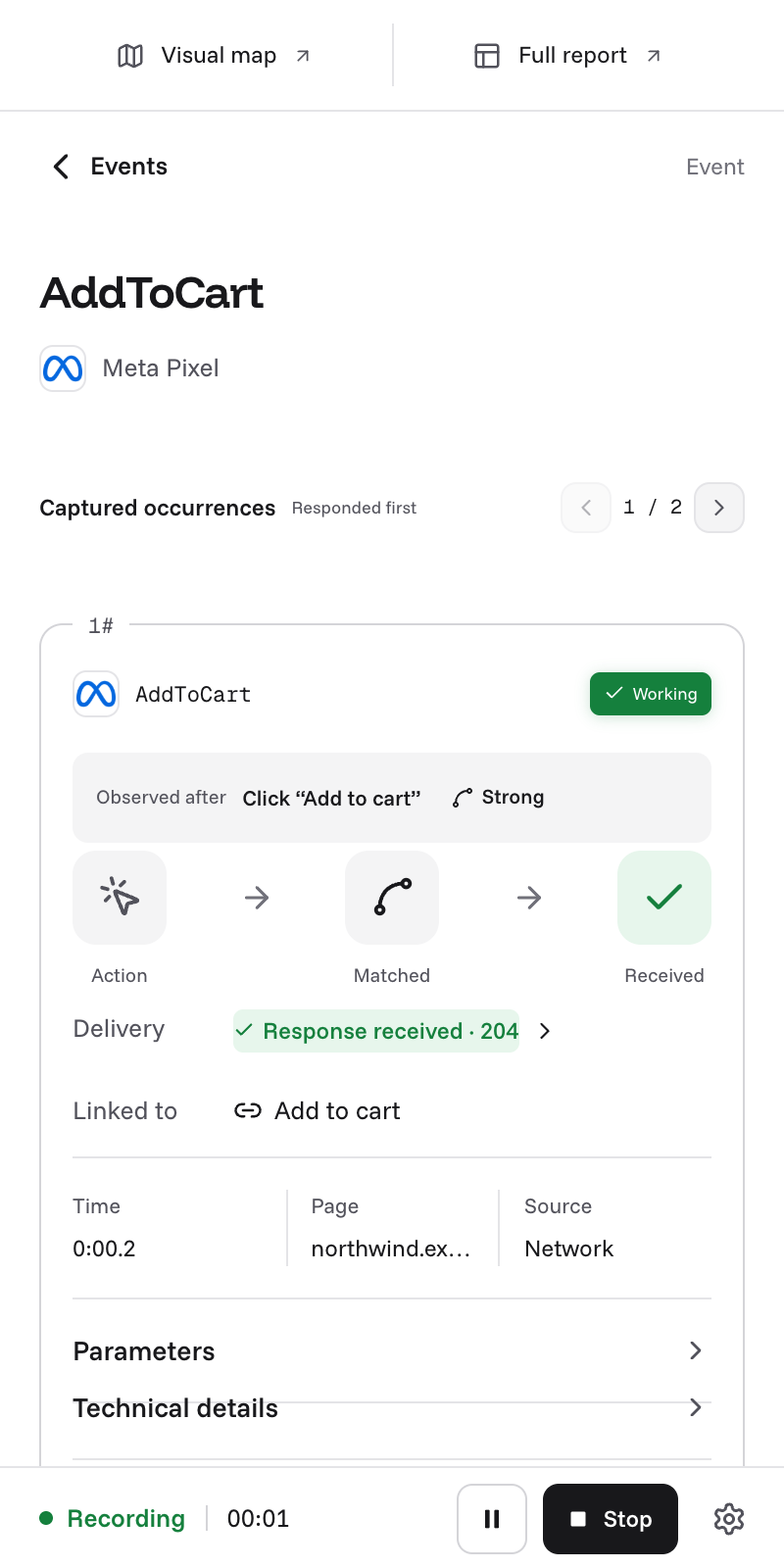
Page tests run from Orbit without an extension. Install Orbit Live for Chrome desktop when you want to record your own browsing journey and inspect tracking as it happens.
What does Working mean?+
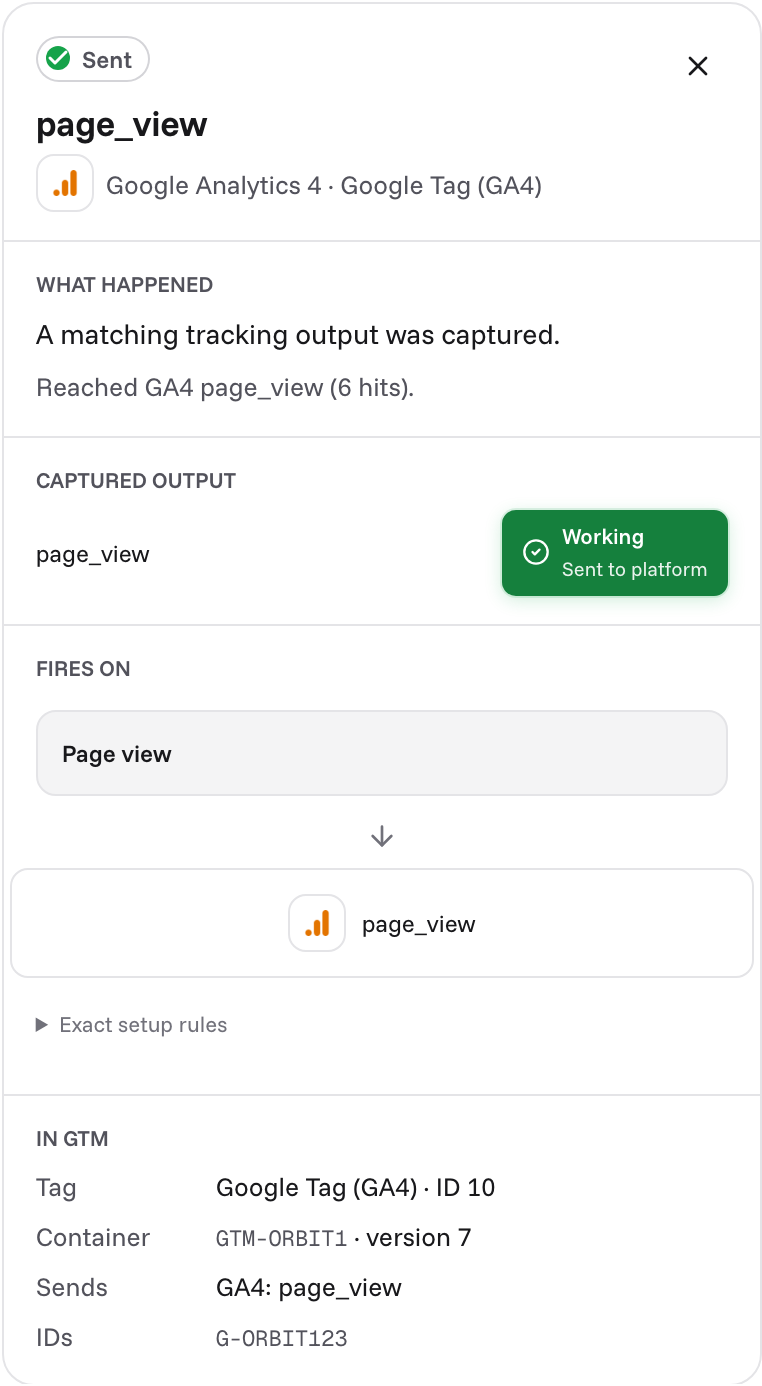
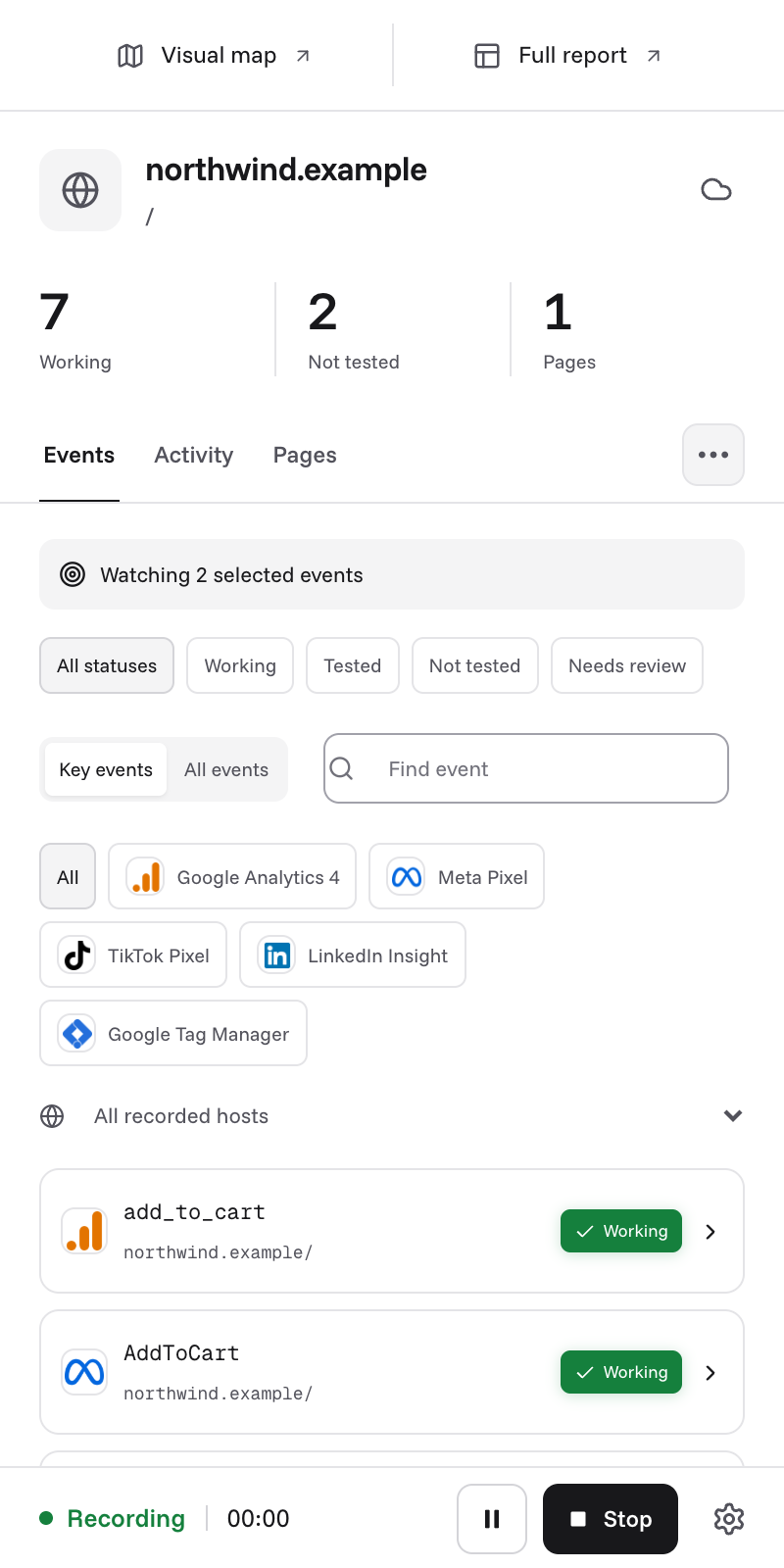
It describes captured output. In Orbit Live, Working means a captured request received a response. A page test can also verify protected test output without sending it to a live account. It does not confirm that GA4 or an ad account processed or counted the event.
Can Orbit automatically check for tracking changes?+
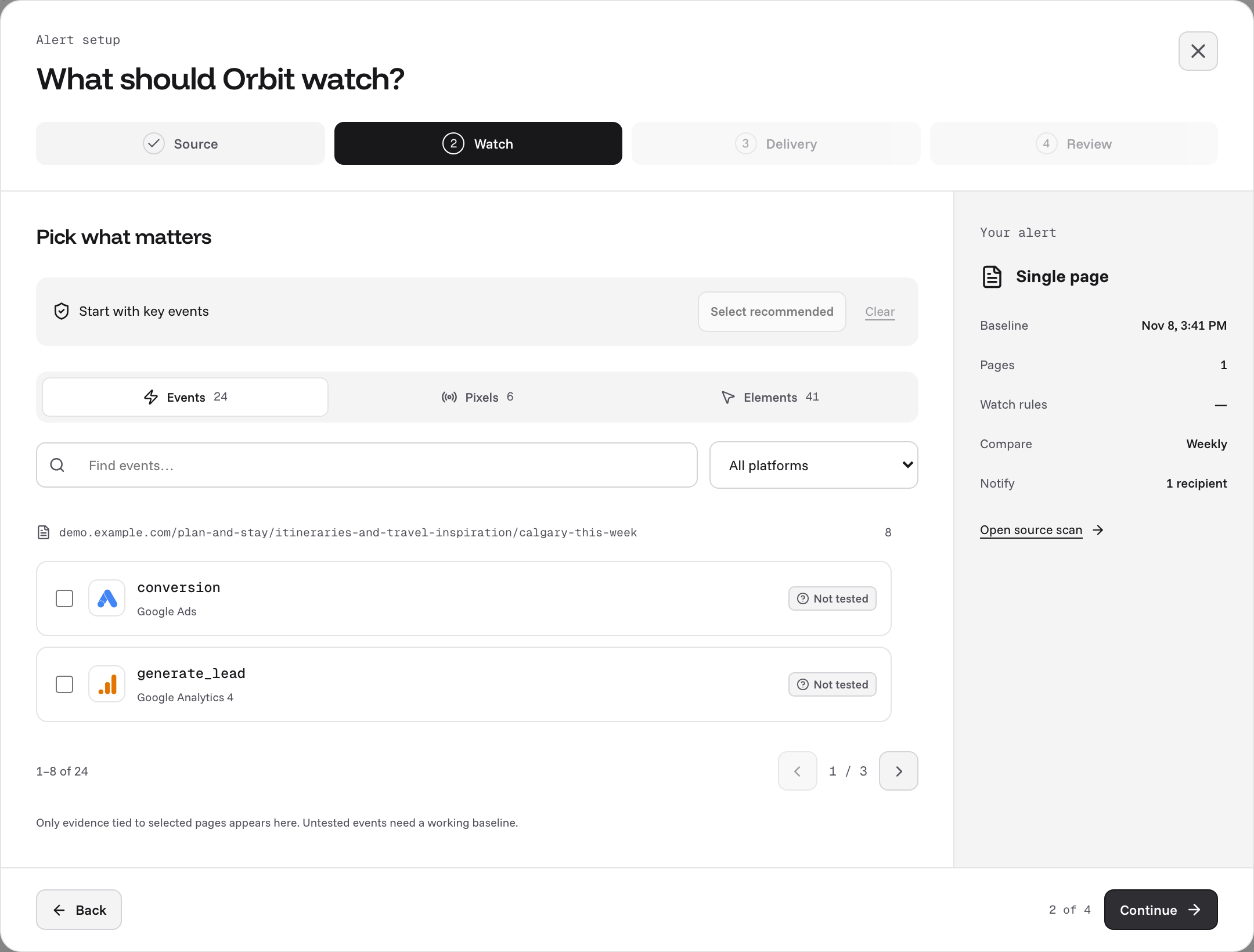
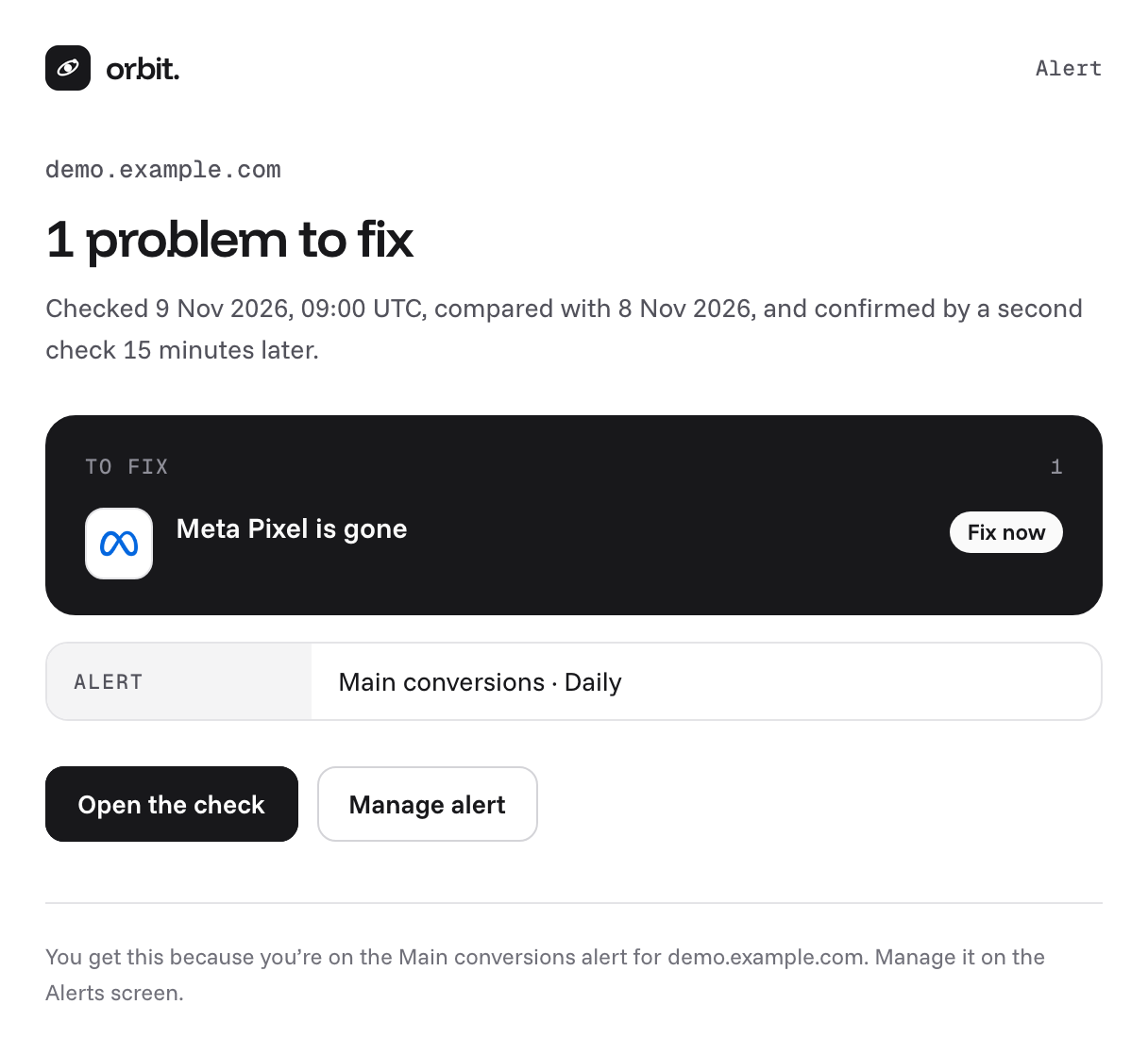
Yes. Configure alerts from a saved scan to watch events, pixels or elements on a public page daily or weekly. Journey alerts compare future extension recordings; they do not replay the journey automatically. Confirmation, recipients and recovery options are configurable. Scheduled checks and email delivery must be enabled.
Will a page test send real conversions or submit forms?+
Setup-guided trigger tests and simulated-time hits are protected. Requests from exploratory test actions are held by default; page-load requests can still be sent. Form submission is off by default. If you enable it, test data can reach the site’s CRM or inbox. Automatic tests never complete a purchase.
How do I install Orbit Live?+
The extension page shows the current installation option. If the developer preview is offered, download and extract the ZIP, open chrome://extensions, enable Developer mode and choose Load unpacked. If a store release is configured, use its official listing. Record locally or connect your Orbit account to upload recordings.