Choose from actual evidence
Select a saved scan and page, then pick events, pixels or elements. Watch missing output, request problems, repeated sends, changed identifiers or expected events after an action.
Choose the event, pixel or element from your scan. Set the condition that matters, then decide when your team should hear about it.
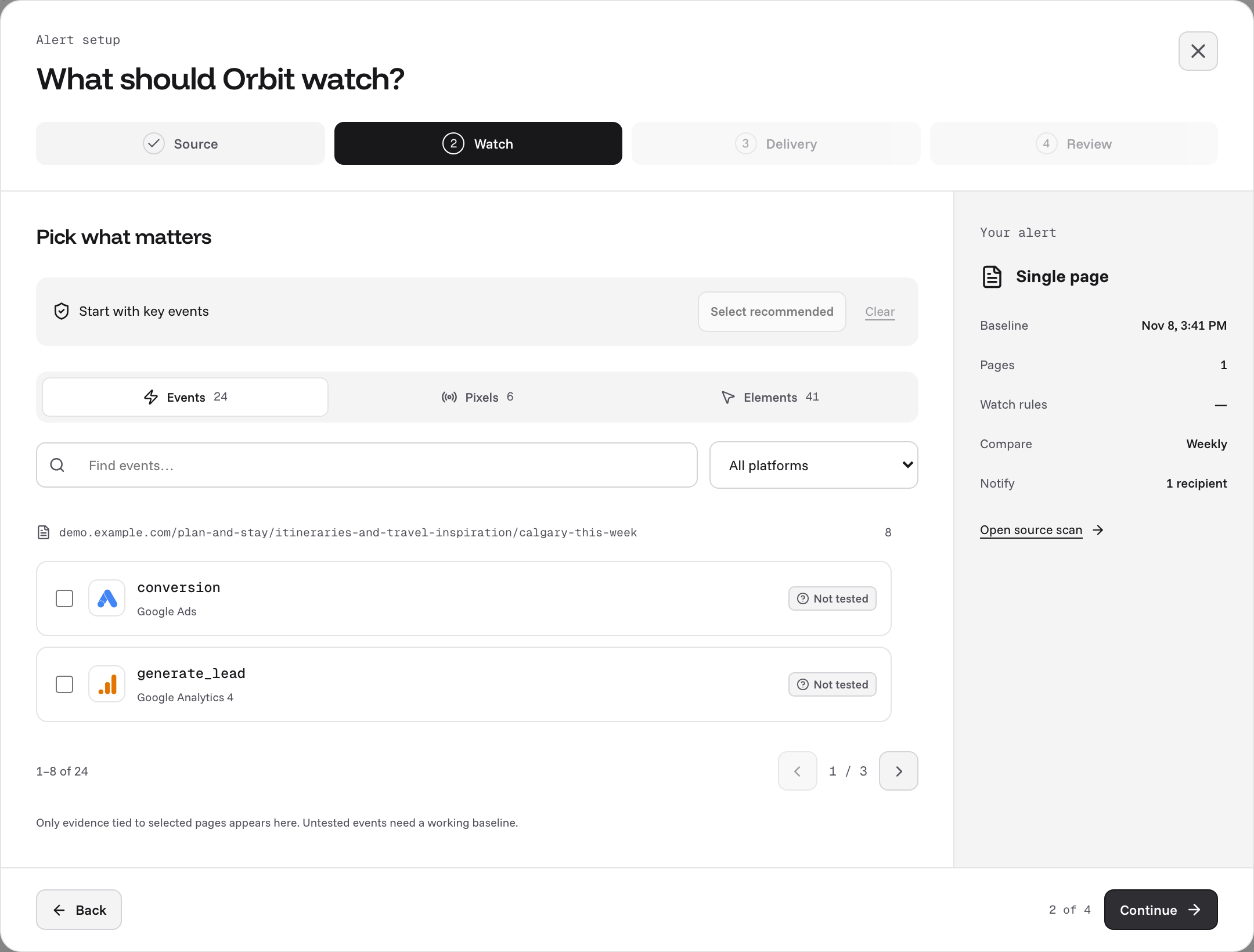
Select a saved scan and page, then pick events, pixels or elements. Watch missing output, request problems, repeated sends, changed identifiers or expected events after an action.
Public pages can be checked daily or weekly. Multi-page journeys are compared when you save a new extension recording; recorded actions are not replayed automatically.
Choose team or individual recipients, confirmation and recovery preferences. Open the supporting report when a condition needs attention. Scheduling and email delivery must be configured.